
Sanket Software PTT
Browser and Android push-to-talk radio with named channels, floor control, presence and message history.
Open PTT ↗Push-to-talk, live radio monitoring and intelligent transcription — connected in one simple workspace.
This is an open-source demonstration line. Anyone connected to this public channel may hear your transmission. Do not share personal, confidential, sensitive or operational information.
LIVE SYSTEM OVERVIEW · PTT NETWORK · TRANSCRIPTION · DISPATCH
Five quick picks. Choose another station from the live directory.
Waiting for a real PTT transmission and its transcription…
No audio recordings received yet.
Connecting to shared PTT presence…
Waiting for user activity…
Need a dedicated test screen? Open the live PTT + transcription demo ↗
Teams may work with rugged handhelds, speaker-mics, hands-free headsets, smartphones, tablets or satellite communication equipment. Sanket is the software layer that brings supported PTT users, channels, recordings and operator dashboards into one coordinated workspace.
Connectivity depends on the device and network available at each location. Satellite links may provide a site's backhaul where supported; Sanket itself is not a satellite-phone service.
Independent tools for communication, monitoring and intelligence — designed to work together where your deployment requires it.
Browser and Android push-to-talk radio with named channels, floor control, presence and message history.
Open PTT ↗Operator console to monitor lines, view activity and users, review communication logs, play clips and export records.
View dashboard ↑Public announcements and multi-zone audio distribution for public places, gatherings, campuses, venues and events. Route PTT lines, live microphone or spoken announcements to independent speaker zones.
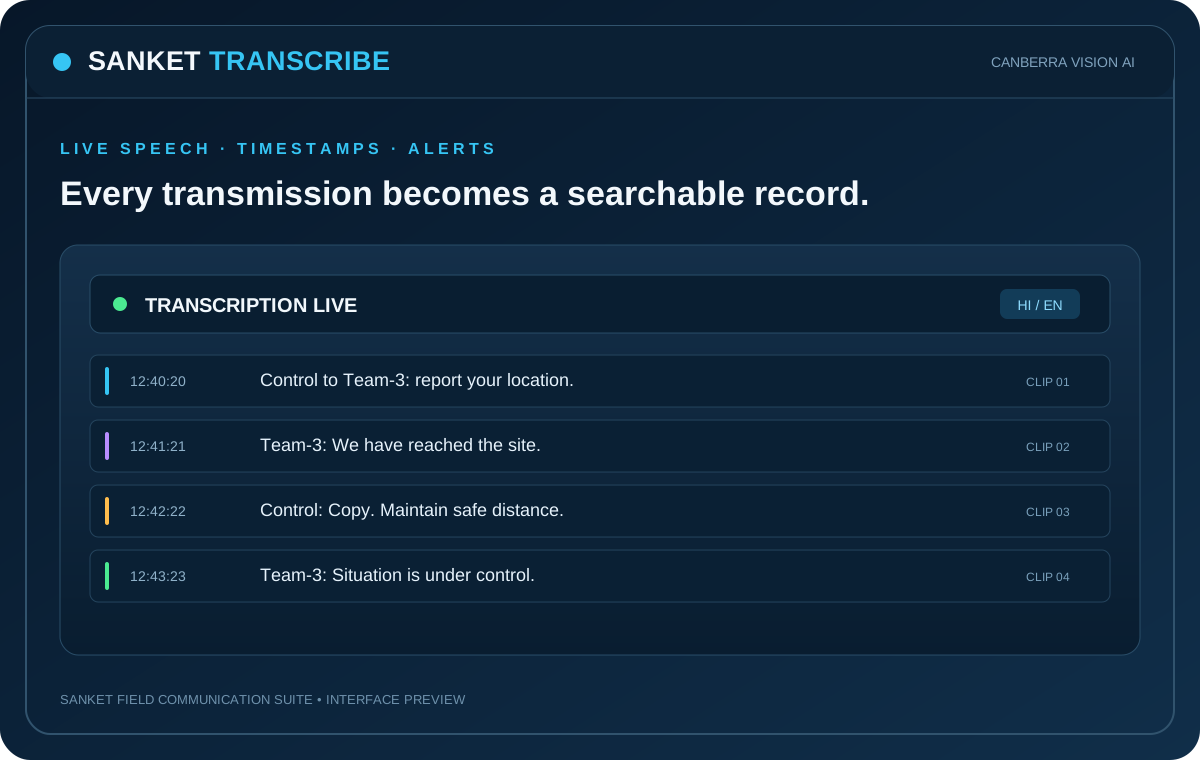
See embedded product demo below ↓ · Open full screen ↗Sanket Transcribe converts channel or microphone audio into clips with text, translation and keyword watch alerts. Preserve source names and timestamps with each record.
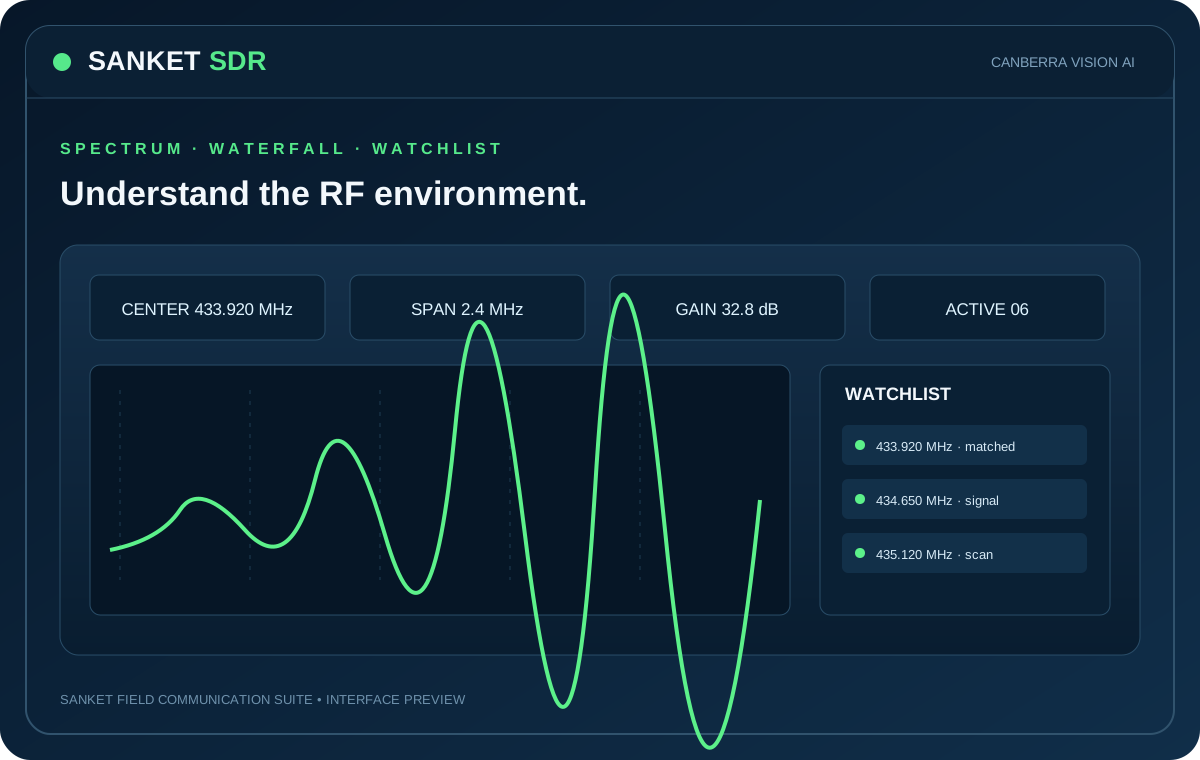
Open Transcribe ↗Software-defined radio spectrum and frequency monitoring with waterfall, watchlists, signal analytics and IQ/audio capture.
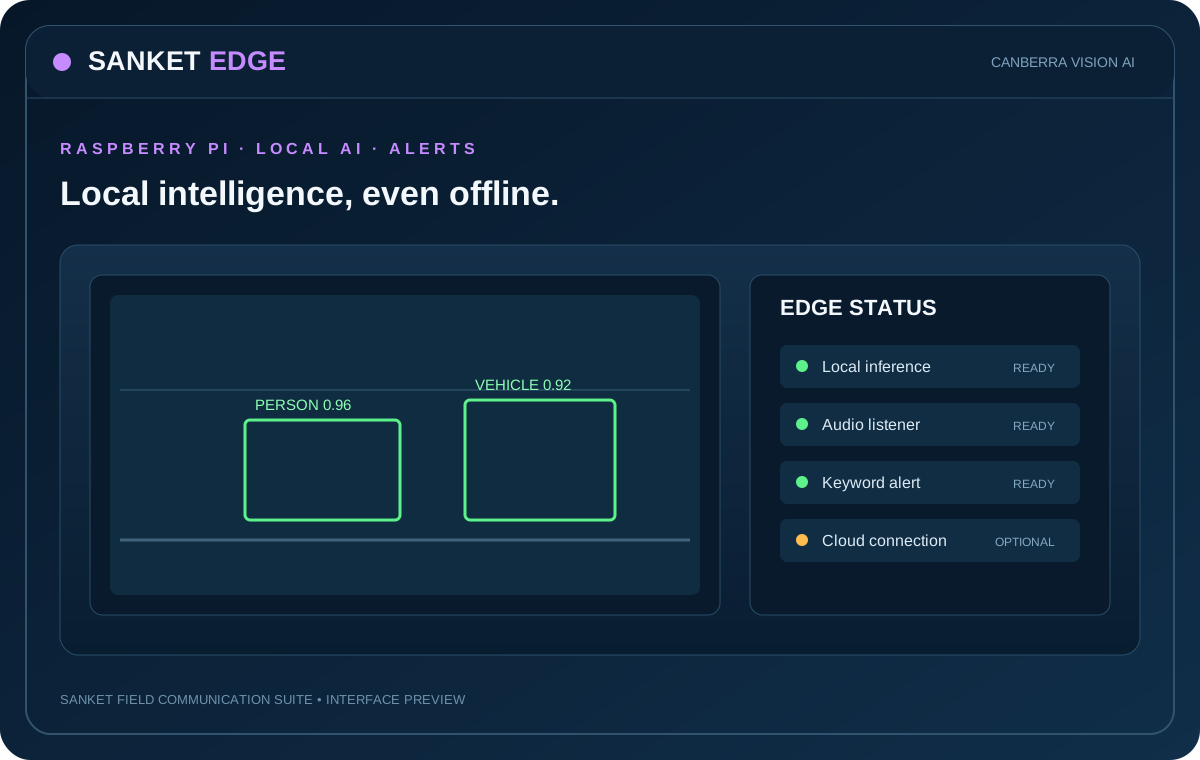
Explore SDR ↓Always-on Raspberry Pi listener for channel audio, local transcription, spoken announcements and configurable alerts.
Explore Edge ↓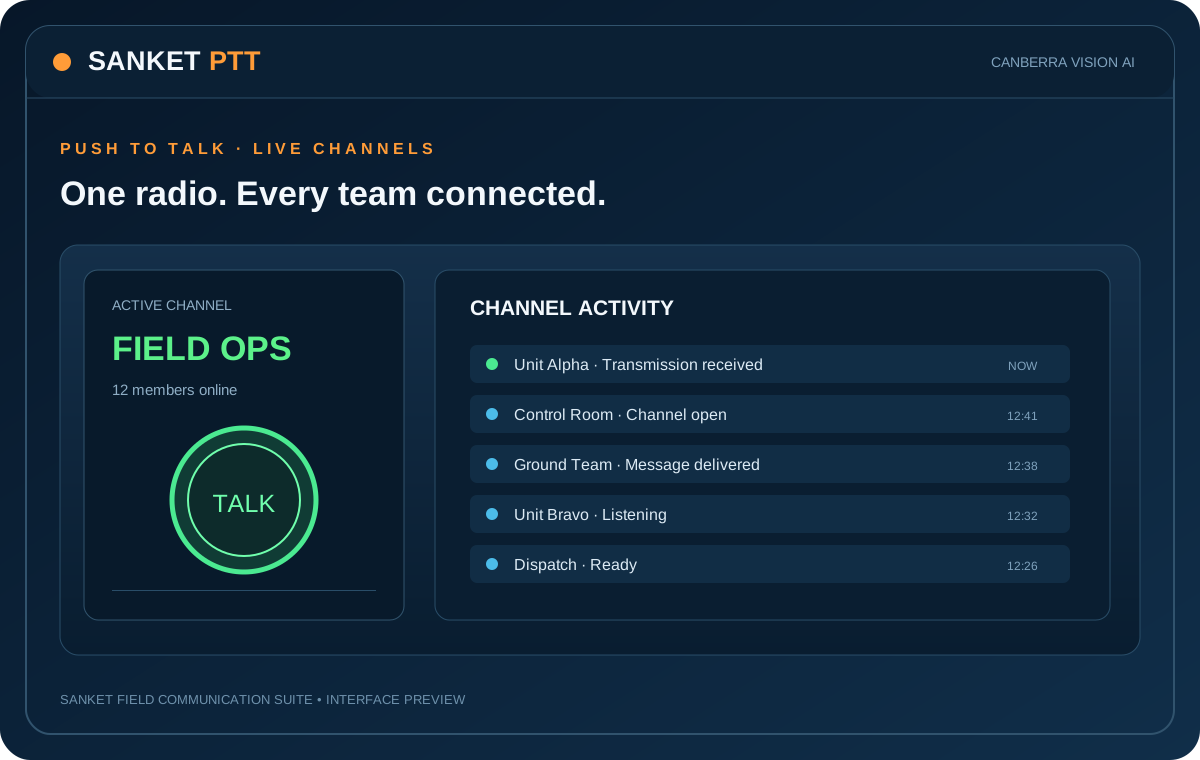
Switch between dashboard previews for PTT, Control Room, Transcribe, आकाशवाणी, Edge and SDR. These software screens are the primary product showcase; preview telemetry is illustrative sample data, not a live connection.
“Control, Patrol-12. Reached point Alpha. Traffic congestion near crossing. Over.”
Central storage, backup, sync, migration and recovery across supported deployments. Cloudflare R2 is a planned object-storage option.
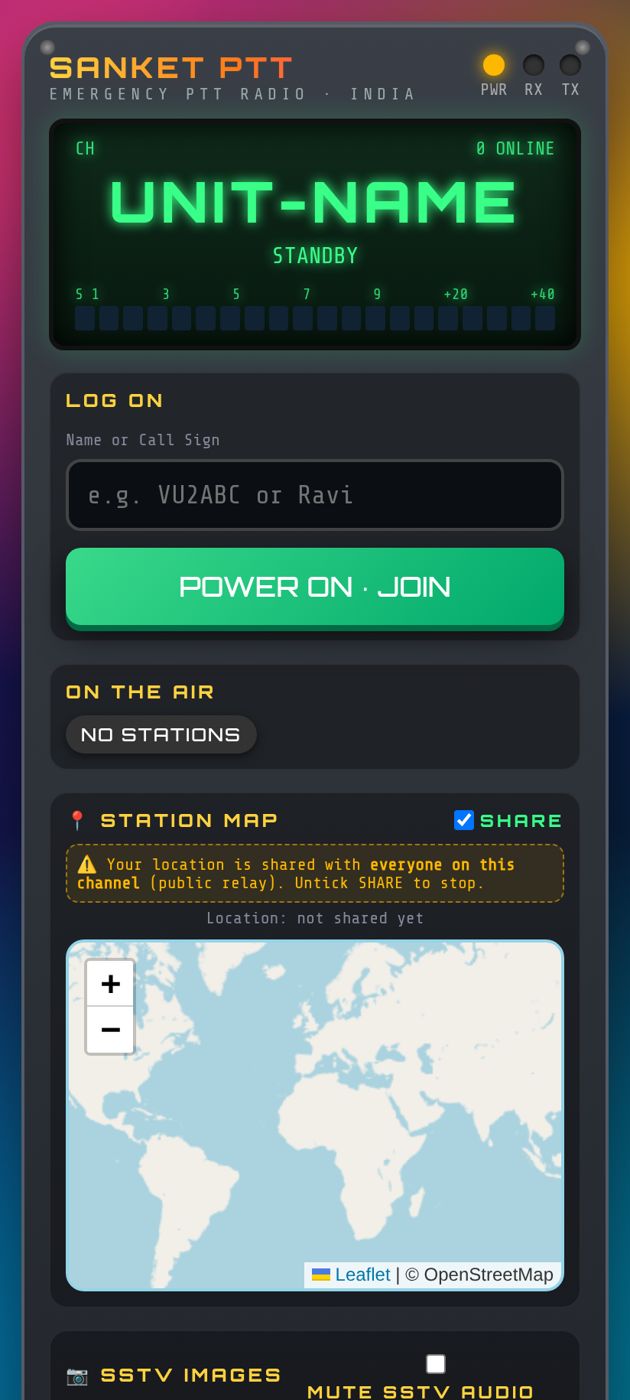
Join named talk-groups from phones, tablets and PCs. Hold to talk, listen to channel traffic and review session history.
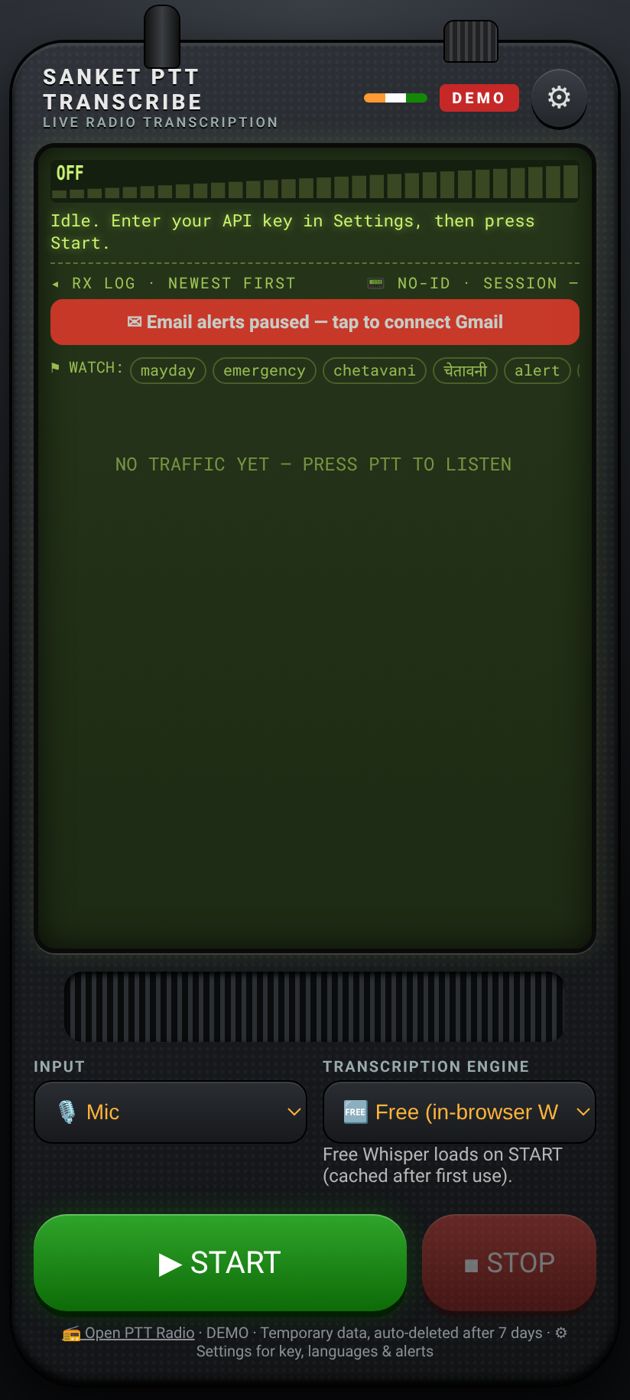
Listen to a PTT channel or local microphone. Review each clip, its transcript and translation, then export records for follow-up.
Receive channel audio, transcribe locally with Whisper, announce selected alerts and operate a local dashboard on a Raspberry Pi installation.
Listen to selected PTT channels through a connected audio device.
Use on-device Whisper processing to turn received speech into text.
Watch configured keywords and announce selected alerts through the speaker.
Manage the listener from the Raspberry Pi's local dashboard.
See the radio environment, identify signal activity, compare signal strength and bandwidth, and review watchlist or anomalous activity. Connect a supported SDR receiver for real RF measurements; this animated cockpit is clearly marked as a simulation.
Signal energy observed near 434.120 MHz. Compare against authorized frequency plans and local regulations before drawing conclusions.
RF activity alone cannot establish that a transmission is illegal. Sanket flags signals for operator review; authorization depends on frequency allocation, location, service and applicable law.
| TIME | CENTER FREQ. | BW | RSSI | SNR | CLASSIFICATION | STATUS |
|---|---|---|---|---|---|---|
| 16:08:21 | 433.920 MHz | 25 kHz | −41 dBm | 32 dB | Watchlist match | KNOWN |
| 16:07:53 | 434.120 MHz | 12.5 kHz | −57 dBm | 18 dB | Unclassified carrier | REVIEW |
| 16:06:11 | 433.500 MHz | 50 kHz | −48 dBm | 24 dB | Wideband activity | OBSERVED |
A receiver only observes the bandwidth and frequencies it is tuned to. A single RTL-SDR has limited instantaneous bandwidth; wider coverage may require retuning, scheduled scanning or multiple receivers. Signal detection does not decode encrypted/private communications and does not determine legal status. Operate and monitor only within applicable law and authorized frequency allocations.
Use cases based on the current PTT, transcription, Edge and SDR capabilities — start small, then add control-room and audio-routing hardware as needed.
Give field staff, supervisors and dispatchers a shared push-to-talk talk group from phones, tablets or PCs. Useful for maintenance, service crews, facility teams and on-site coordination.
Coordinate gate staff, stage managers, parking, housekeeping and security operations with named channels, call signs, presence and session playback.
Connect stores, loading bays, maintenance and reception. Add a Sanket Edge Raspberry Pi listener to keep a local audio and transcript display running in a control point.
Monitor PTT traffic, replay recorded transmissions and create timestamped speech-to-text clips with keyword watch alerts. Useful for review, shift handover and searchable communication records.
Run internet-connected club talk groups, practice net procedures and exchange SSTV images over the Sanket voice channel. Sanket PTT is an internet PTT app, not a replacement for a licensed amateur RF station.
Use Sanket Edge with a supported RTL-SDR to monitor permitted public or licensed-to-receive bands, or use Sanket आकाशवाणी to distribute operator announcements to connected USB audio outputs, amplifiers and speakers.
Documented migration concept for carrying configuration and selected data to replacement Raspberry Pi hardware.
Review channels, audio devices and current configuration.
Export the selected configuration and backup package.
Move the backup using the configured cloud, NAS or USB route.
Install on new hardware, check audio devices and verify operation.
Start with free browser-based PTT, move to your own plug-in server, or deploy advanced multi-line audio routing and public-address workflows.
Request a product walkthrough or discuss a deployment for your team.
Sanket communications and monitoring products.
Email: akshatsingh@canberravision.com
Please confirm the preferred public business address and phone number before publishing them here.